Your visits, in the calendar you already use
Each person on your team can add their own visits to their Google, Apple or Outlook calendar, so work and home sit in one place. It takes one private link in Settings, My calendar.
One link, one person
Add my visits to my calendar makes a private link for the visits you lead or are crew on.
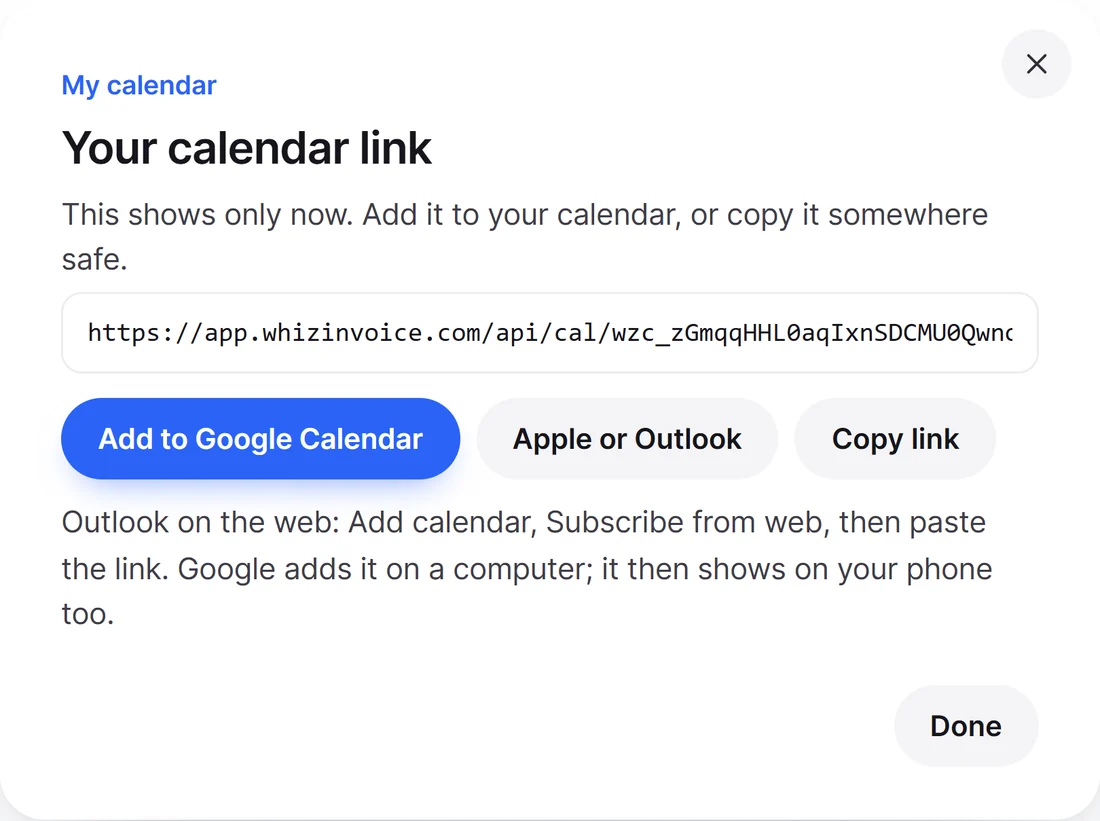
How to add it
Open My calendar
In Settings, press Add my visits to my calendar and copy the link. Each person does their own.
Subscribe in your calendar
Paste the link into your calendar app as a calendar from a link or a subscription.
Your visits appear
They update as the office makes changes. Your calendar app decides how often it checks, so a late change can take a little while to show.
Private by design
Only what you need
The time, the address and the job. No prices, customer emails or phone numbers.
Subcontractors see less
A subcontractor’s feed has no customer name.
Stops when it should
It stops when the person leaves or the plan drops below Starter. New link stops the old one any time.
Crew visits included
A crew visit shows for each person, with who leads.
A feed for the owner
The owner can also make a feed of everyone’s visits.
Good to know
Which plans include calendar feeds?
Starter and up. Every person on the plan gets their own.
Can I move a visit from my Google Calendar?
No, the feed goes one way. Move visits on the WhizInvoice calendar and your calendar catches up.
What if someone gets hold of my link?
Press New link in My calendar and the old one stops working. The link shows no prices, customer emails or phone numbers.
How quickly do changes show?
WhizInvoice has them straight away. Your calendar app decides how often it checks a subscribed calendar, which can take a while.
Put work in the calendar you already check
Try calendar feeds with a 14 day free trial of Starter.
Free plan forever. No card needed to start.